
Operating hosting control panels like CyberPanel on Linux servers simplifies resource allocation. Configuring modules like Server backup schedules is essential for optimizing system throughput, user access, and email security.
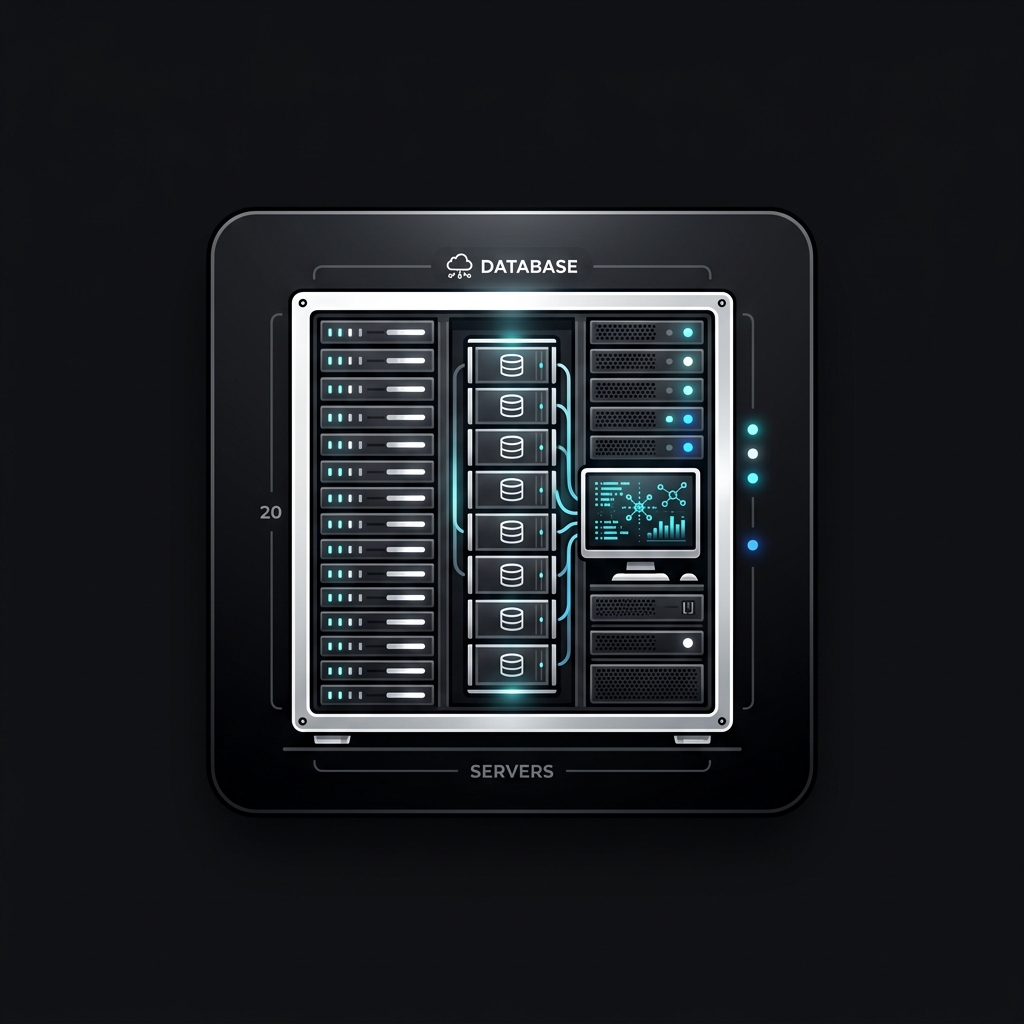
Core Architecture & System Layout
To configure administrative parameters, users access the server command line via terminal console or log into the web browser interface running on port 8090, which manages the local OpenLiteSpeed services. Here is the step-by-step procedure.
Step-by-Step Configuration Guide
- Open your web browser and navigate to your server IP address followed by the port: `<code>https://your_server_ip:8090/</code>`.
- If encountering an SSL warning (e.g., self-signed certificate), click "Advanced" and proceed to the site.
- Enter the administrator username (often "root", "admin", or custom panel username) and password.
- If Two-Factor Authentication (2FA) is enabled, enter the verification code from your authenticator app.
- Configure your login security policies, update default administrative contact emails, and bind SSH keys.
Administrative Benefits & Context
Logging into CyberPanel via port 8090 gives administrators access to system service metrics, user resource quotas, and web hosting logs.
Warning & Best Practices Checklist
⚠️ Never log into a control panel over unsecured HTTP networks. Always enforce HTTPS bindings to protect administrator session cookies from sniffing attacks.
Community Unlock Required
To join the discussion, please support us by liking and following our Facebook page first.