
Operating hosting control panels like DirectAdmin on Linux servers simplifies resource allocation. Configuring modules like Cron Job task schedulers is essential for optimizing system throughput, user access, and email security.
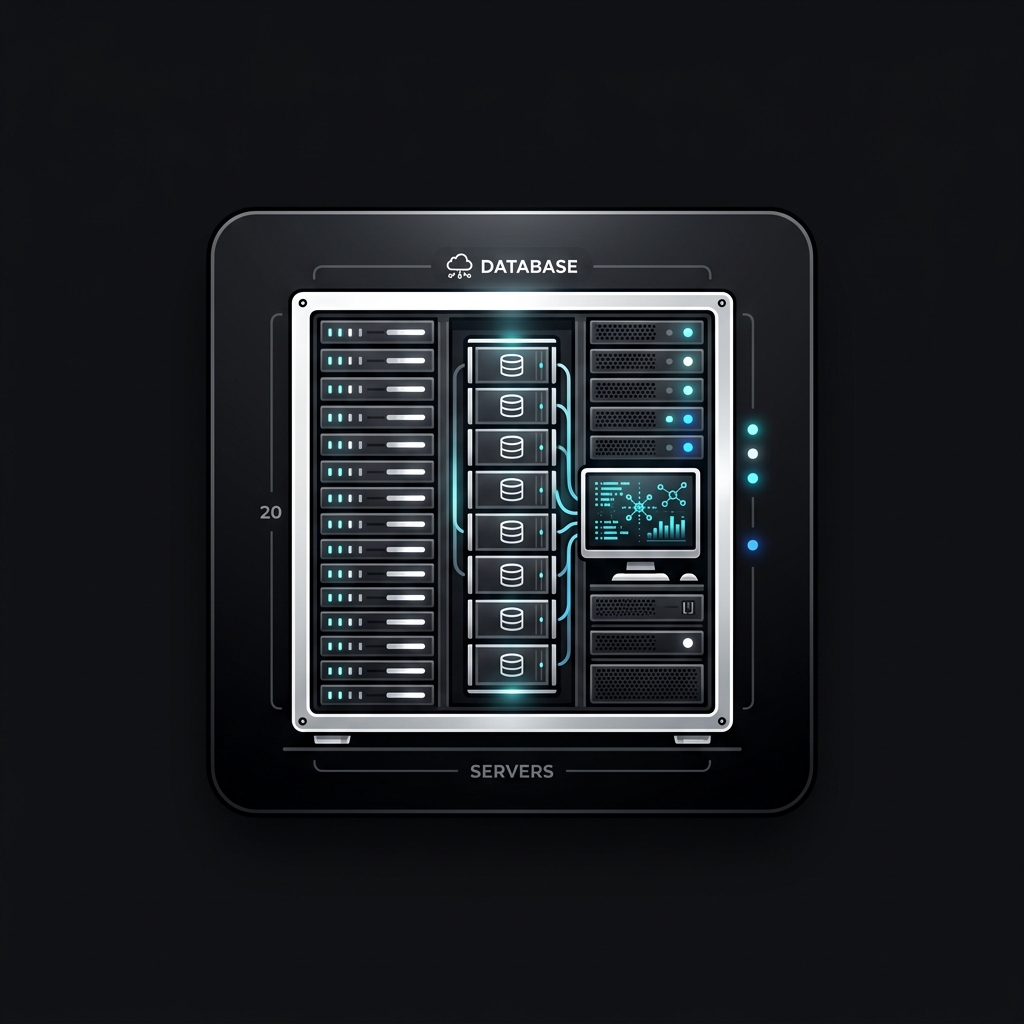
Core Architecture & System Layout
To configure administrative parameters, users access the server command line via terminal console or log into the web browser interface running on port 2222, which manages the local Apache/Nginx/OpenLiteSpeed services. Here is the step-by-step procedure.
Step-by-Step Configuration Guide
- Launch your local terminal application (Terminal on macOS/Linux, PowerShell or cmd on Windows).
- Execute the secure shell connection command: run `<code>ssh root@your_server_ip</code>`.
- Accept the server's SSH key fingerprint by typing "yes" and input the root password.
- Generate a secure SSH key pair locally: run `<code>ssh-keygen -t ed25519</code>`.
- Upload your public SSH key to the server using `<code>ssh-copy-id root@your_server_ip</code>` or paste it in the authorized_keys file.
- Disable password-based SSH authentication in `/etc/ssh/sshd_config` and reload the service to enforce key-only logins.
Administrative Benefits & Context
Establishing an SSH terminal session is necessary for server-level operations, upgrading DirectAdmin core binaries, and resolving system daemon crashes.
Warning & Best Practices Checklist
⚠️ Ensure you verify that SSH key authentication is working successfully in a separate terminal window before disabling password authentication, or you risk locking yourself out of the server.
Community Unlock Required
To join the discussion, please support us by liking and following our Facebook page first.