
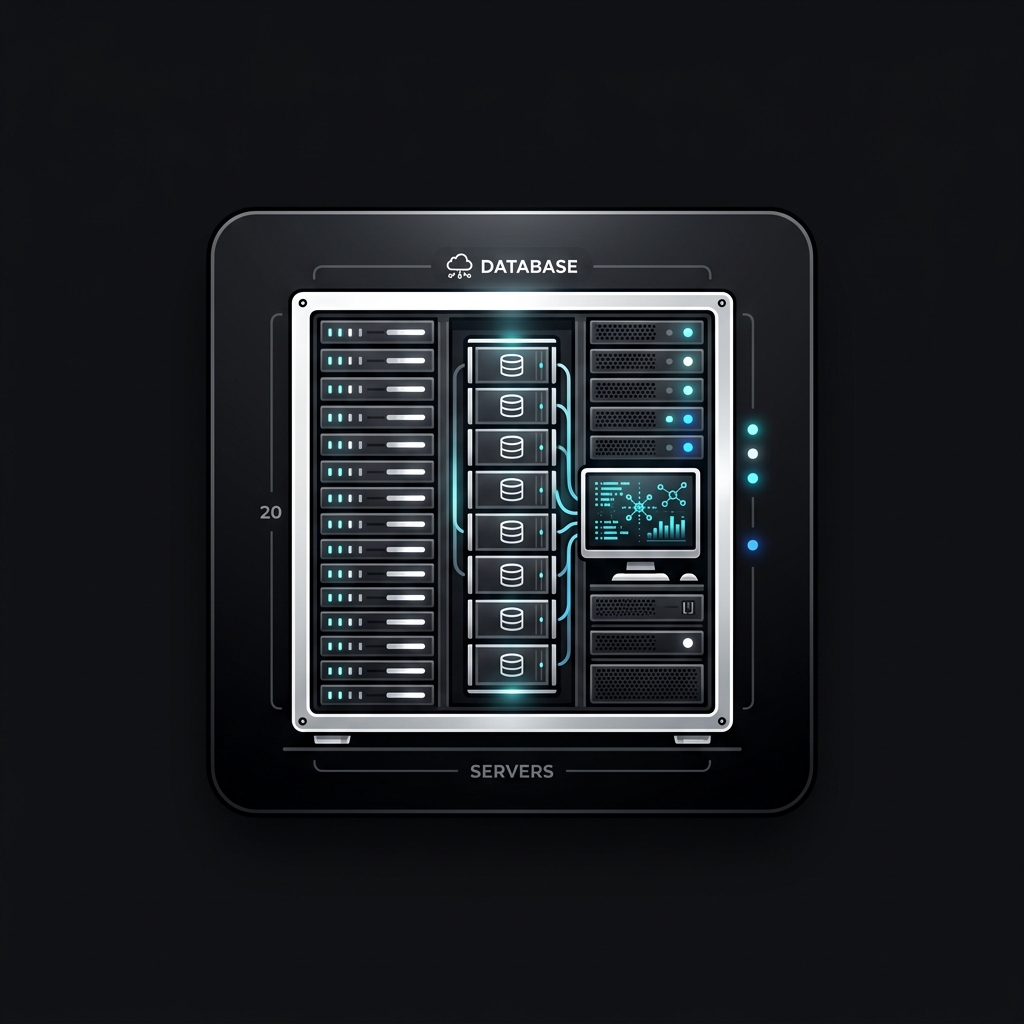
Operating hosting control panels like cPanel & WHM on Linux servers simplifies resource allocation. Configuring modules like Nginx reverse proxy settings is essential for optimizing system throughput, user access, and email security.
Core Architecture & System Layout
To configure administrative parameters, users access the server command line via terminal console or log into the web browser interface running on port 2087, which manages the local Apache/LiteSpeed services. Here is the step-by-step procedure.
Step-by-Step Configuration Guide
- Log into your cPanel & WHM administrative dashboard using a web browser.
- Navigate to the "Domains" or "Websites" section and click "Add Domain" or "Create Website".
- Enter your domain name, configure document root directories, and save.
- Go to the "Databases" menu, create a new MySQL/MariaDB database, and assign a database user with secure permissions.
- Locate the SSL manager inside cPanel & WHM and issue a free Let's Encrypt SSL Certificate for your new domain.
- Create professional email accounts (e.g., [email protected]) and configure SMTP routing rules.
Administrative Benefits & Context
Using cPanel & WHM allows non-technical clients and web developers to manage databases, files, and domains without having to execute manual Linux bash instructions.
Warning & Best Practices Checklist
⚠️ Ensure database passwords generated inside cPanel & WHM use strong entropy. Weak database credentials make the server susceptible to SQL injection exploits.
Community Unlock Required
To join the discussion, please support us by liking and following our Facebook page first.